Plan the working day
Assign drivers, vehicles and trailers, then add maintenance, inspections, training, holidays and reminders.
FleetSlate Office
FleetSlate Office gives managers one clear workspace for daily planning, drivers, vehicles, maintenance, compliance, tracking and evidence across Windows and macOS.
Assign drivers, vehicles and trailers, then add maintenance, inspections, training, holidays and reminders.
Keep vehicle, trailer and driver records together with availability, operational dates and clear responsibility.
Monitor renewal dates, checks, documents and evidence before something becomes overdue.
Use the compact global search to locate drivers, registrations, fleet numbers, planner references and operational records from one word.
Export suitable charts, lists, registers and record details through a small contextual report control.
Run FleetSlate Office simultaneously on up to 10 Windows or macOS computers during the full trial and after Lifetime activation. Secure HTTPS synchronisation keeps every Office and Driver current on the same company data through FleetSlate Cloud.
Create expiring installation links for Android, iPhone and iPad directly from the Driver app workspace.
Optional tracking shows current or last known positions, update time, accuracy and speed, plus selectable workday routes retained for 30 days.
Built for fleet control
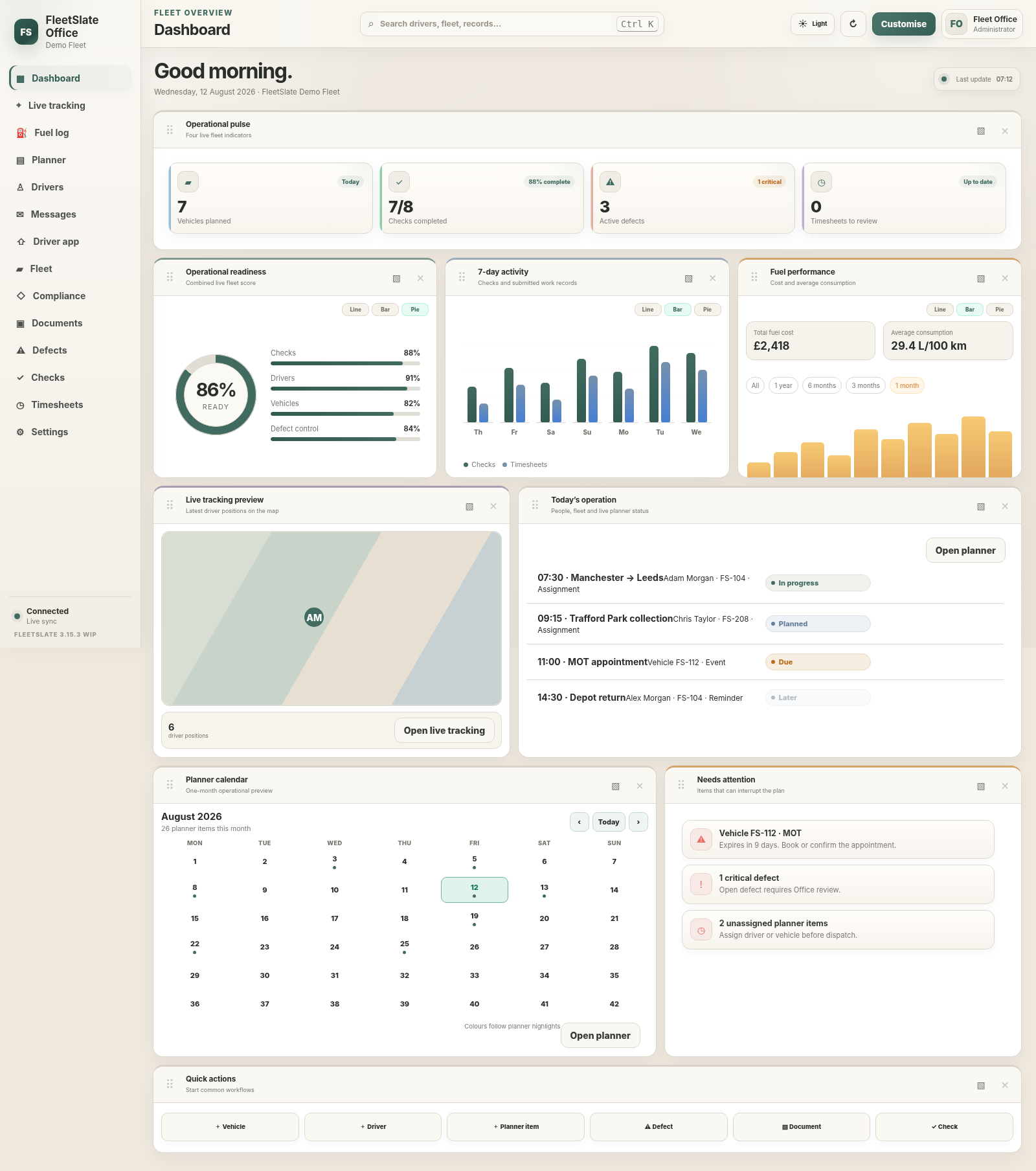
The dashboard shows what is ready, what is happening today and what needs attention. Every record opens into the planning, compliance, document or audit detail behind it—without searching disconnected files.
Work your way
Choose the widgets that matter, move them around the dashboard and resize panels to keep the information your team uses most in view. FleetSlate also includes ready-made dashboard presets, so you can switch from a broad operational view to a more focused layout without rebuilding the screen.
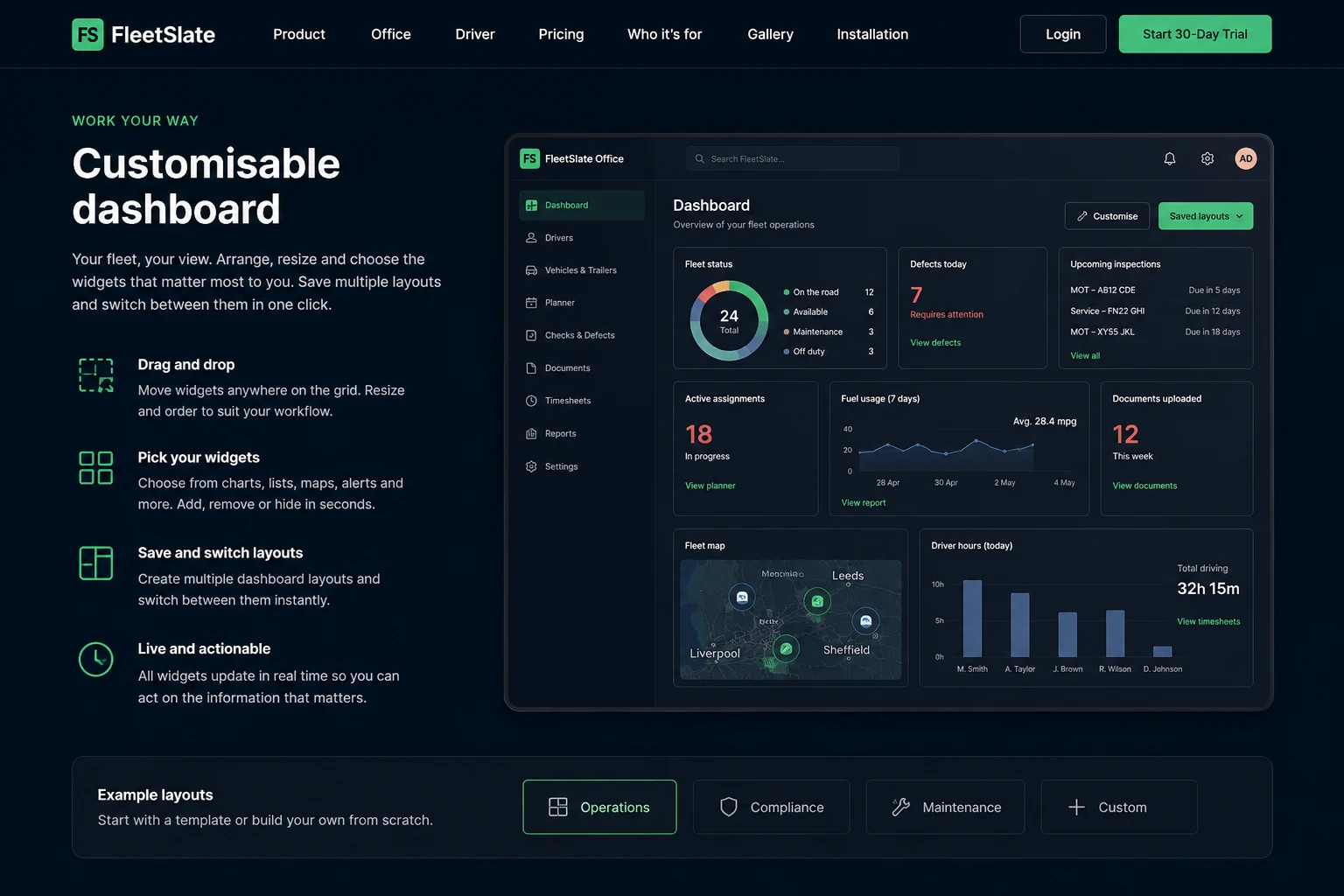
FleetSlate Office interface previews
These current interface previews show FleetSlate in realistic operational views, including planning, compliance, dashboard, onboarding and live tracking.
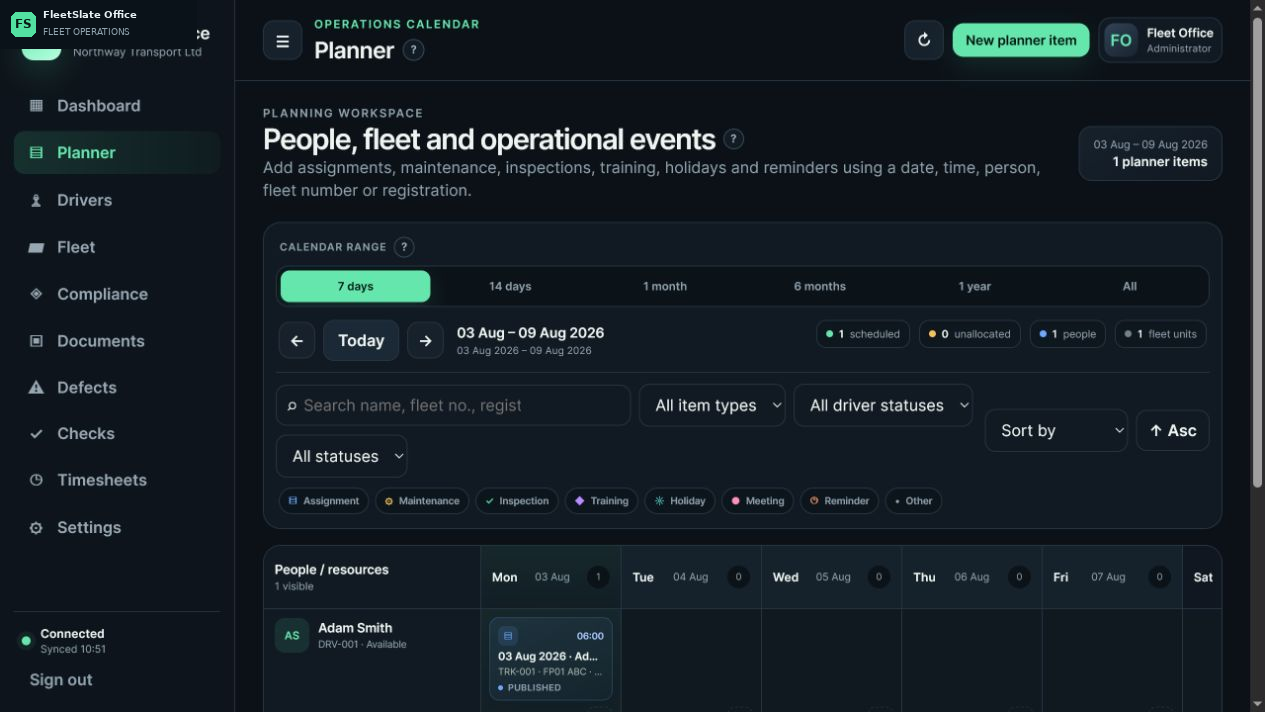
See the published job, assigned driver and vehicle together in the operational calendar.
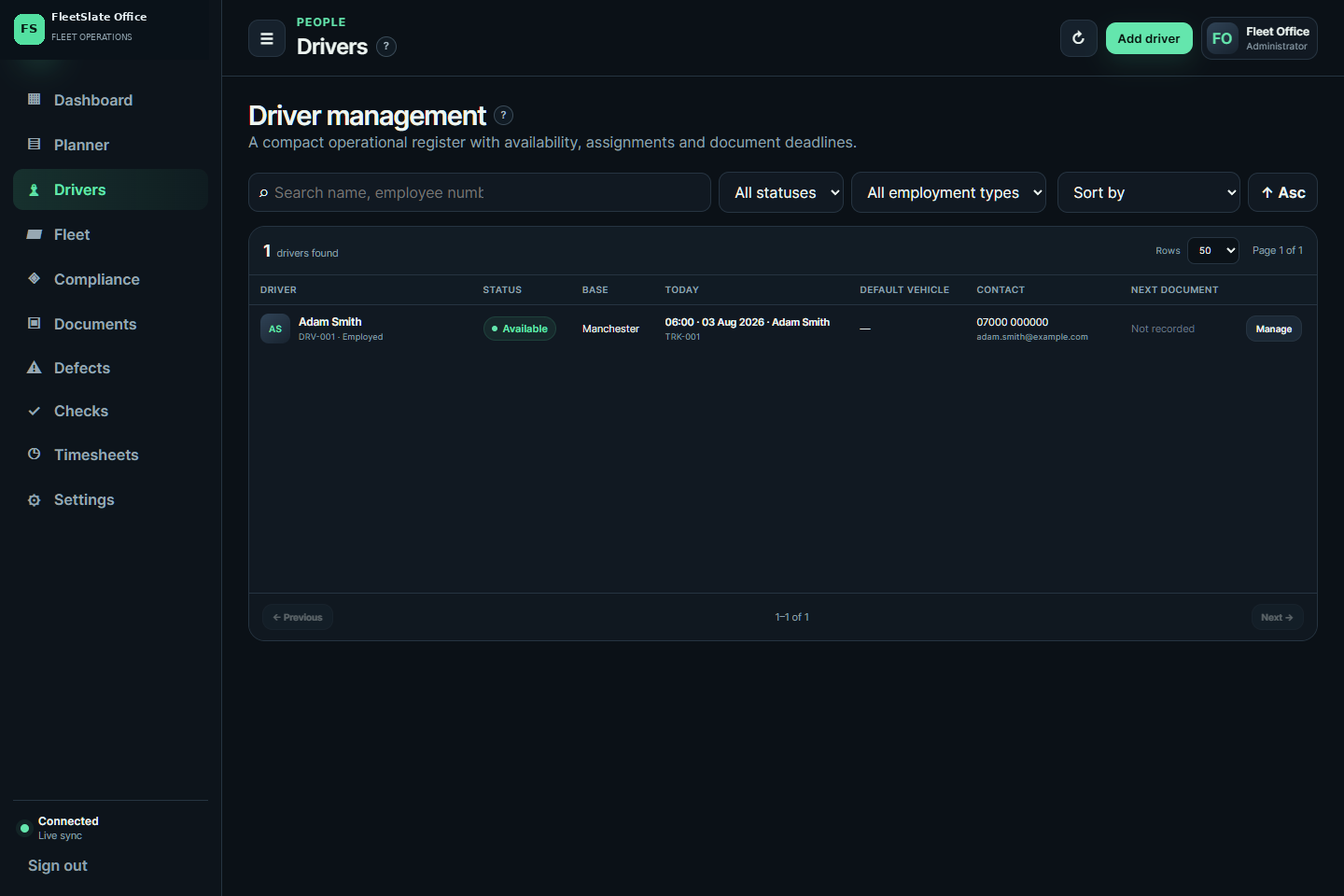
Keep availability, assignments, contact details and document deadlines in one compact register.
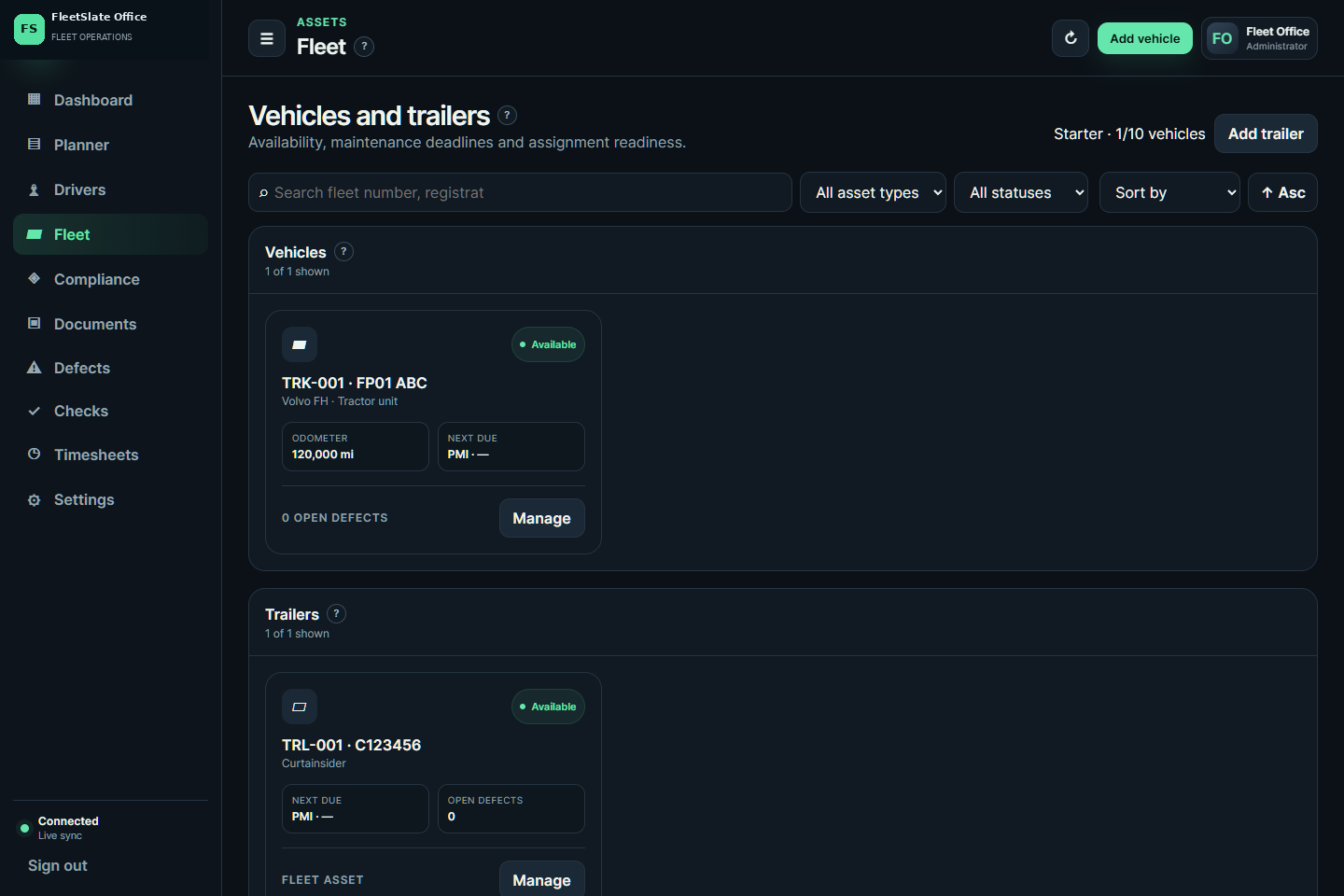
Review availability, mileage, maintenance and defects for every active fleet asset.
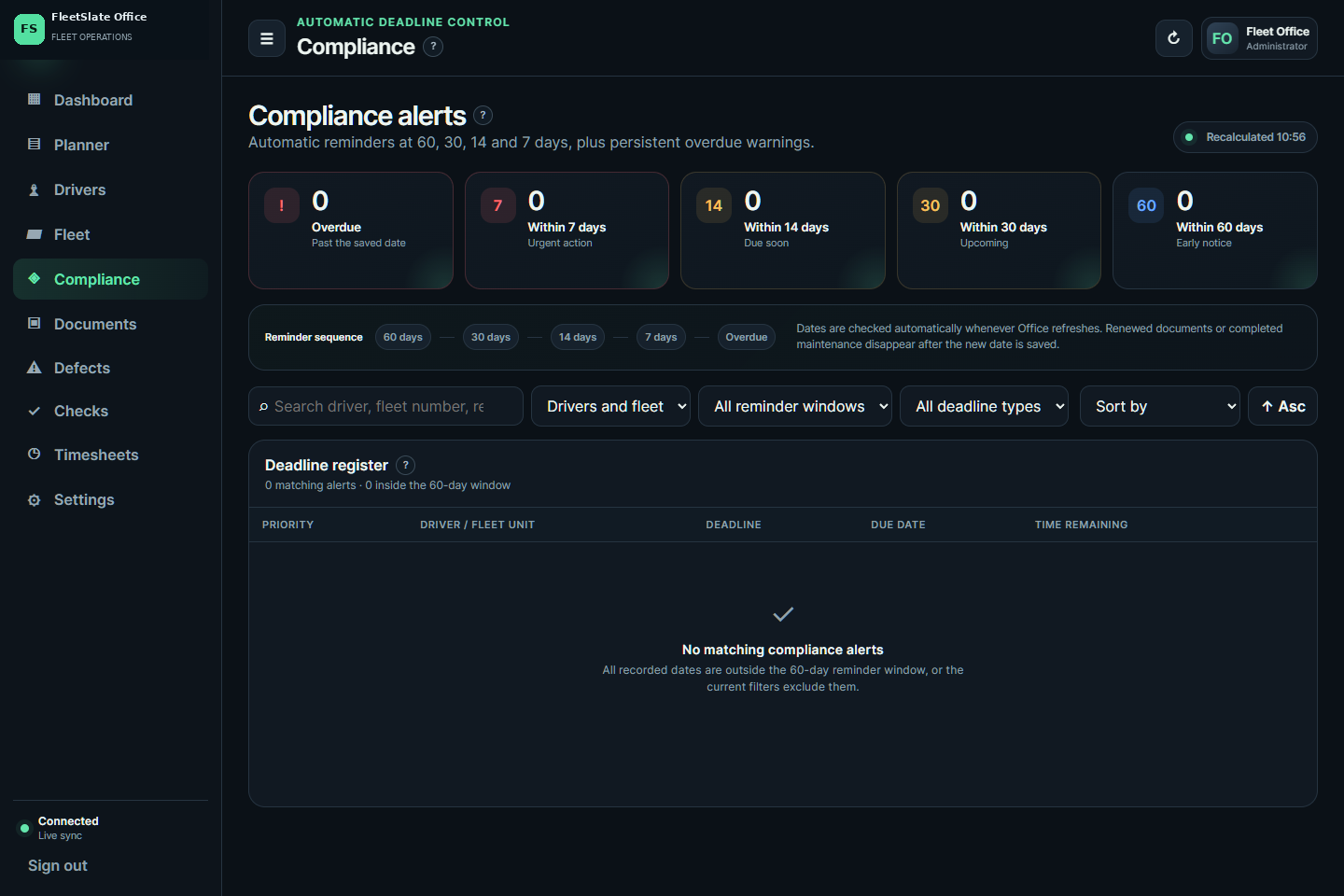
Automatic 60, 30, 14 and 7-day reminders bring upcoming deadlines into one clear view.
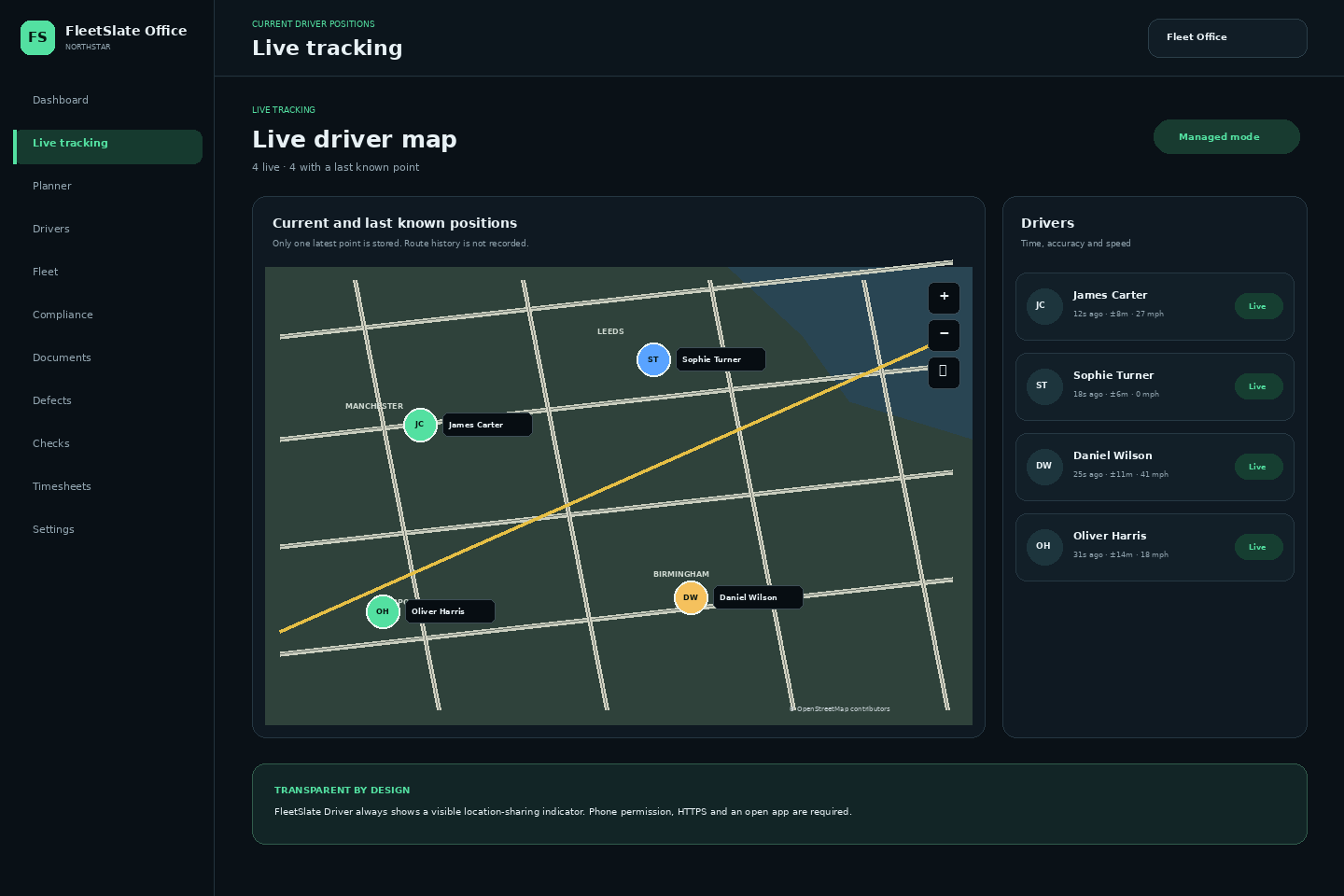
See live positions and select a workday route on OpenStreetMap. GPS history is removed after 30 days.
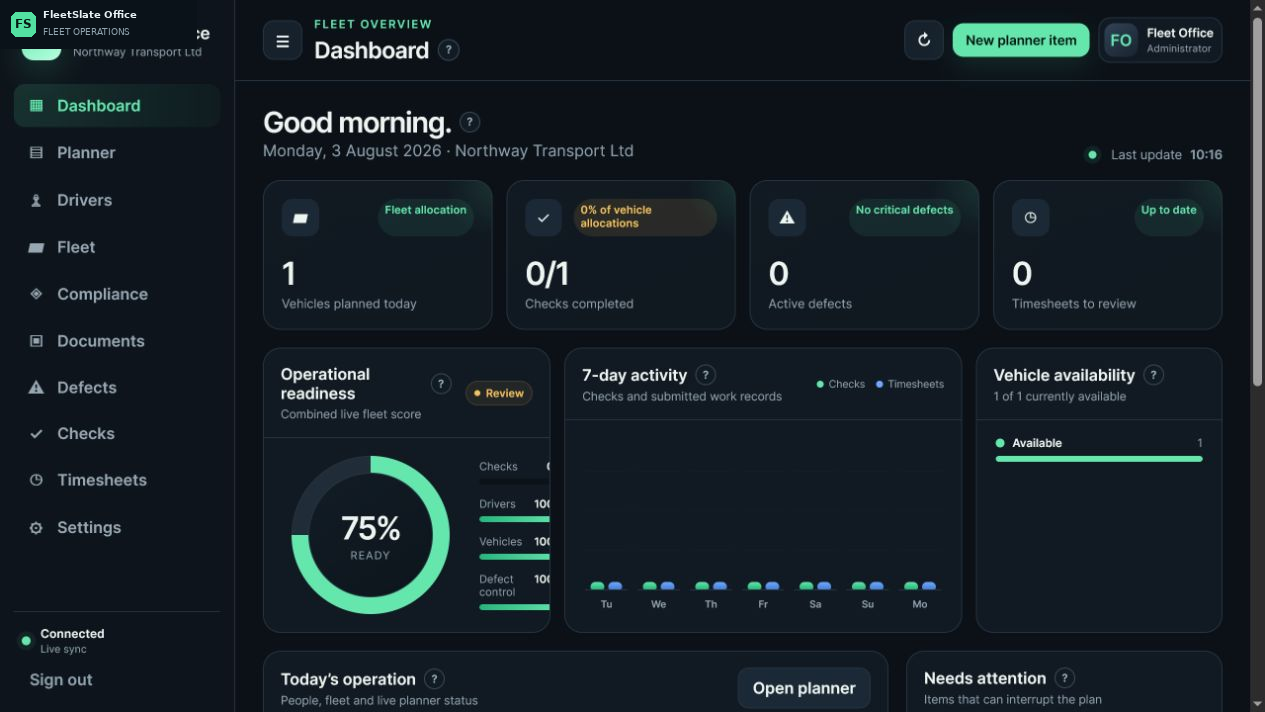
Start from one polished summary view of jobs, readiness, fleet activity, tracking and items needing attention.
Review readiness, active issues and daily progress from the first screen your team opens.
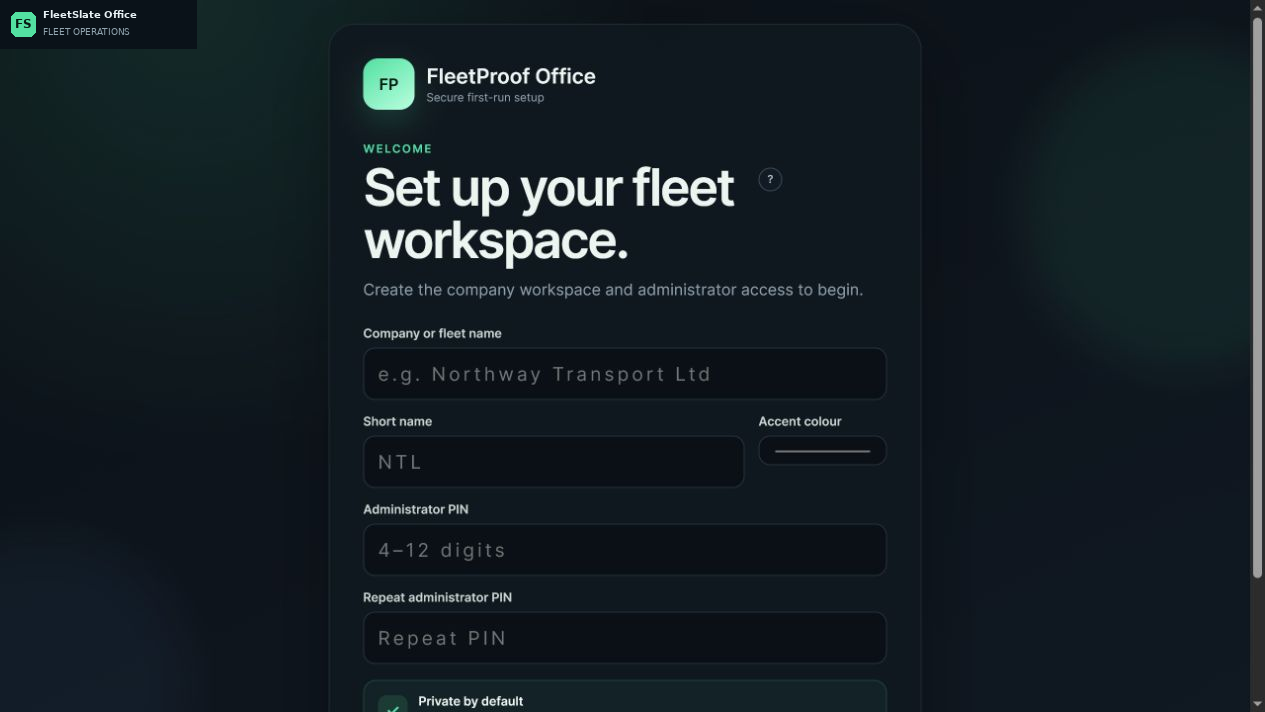
Prepare driver access, installation links and the first successful connection without a complicated process.
A clearer working day
See the current operation, readiness score, urgent items and recent activity from the first screen.
Manage people, vehicles and trailers with availability, important dates and connected historical records.
Coordinate assignments, maintenance, inspections, training, holidays, meetings and reminders.
Bring MOT, PMI, service, tachograph, licence, CPC and other important deadlines into one view.
Search across the Office workspace and open the correct module or record without working through separate menus.
Generate a clean local report from the visible data and active filters in suitable panels and detail windows.
Keep checks, photographs, signatures, documents, defects and status changes attached to the correct record.
Automatic latest-use and rotating verified backups help keep the company record recoverable.
Guided FleetSlate setup
Choose the plan for your fleet size. We will prepare FleetSlate Office, configure secure Driver access and guide the first successful sync.