Personal workday
Drivers see their own schedule, current shift, allocated fleet and the next actions required.
FleetSlate Driver
A clean, touch-friendly mobile workspace for schedules, checks, defects, photos, timesheets, documents and history — with the latest work synchronised back to Office automatically.
One tap installs FleetSlate Driver as a full-screen Android app. After installation it opens like a normal app without browser controls.
Open this page in Safari and tap once. iPhone downloads the FleetSlate profile; then open Settings, choose Profile Downloaded and tap Install. The icon opens Driver full-screen without Safari controls.
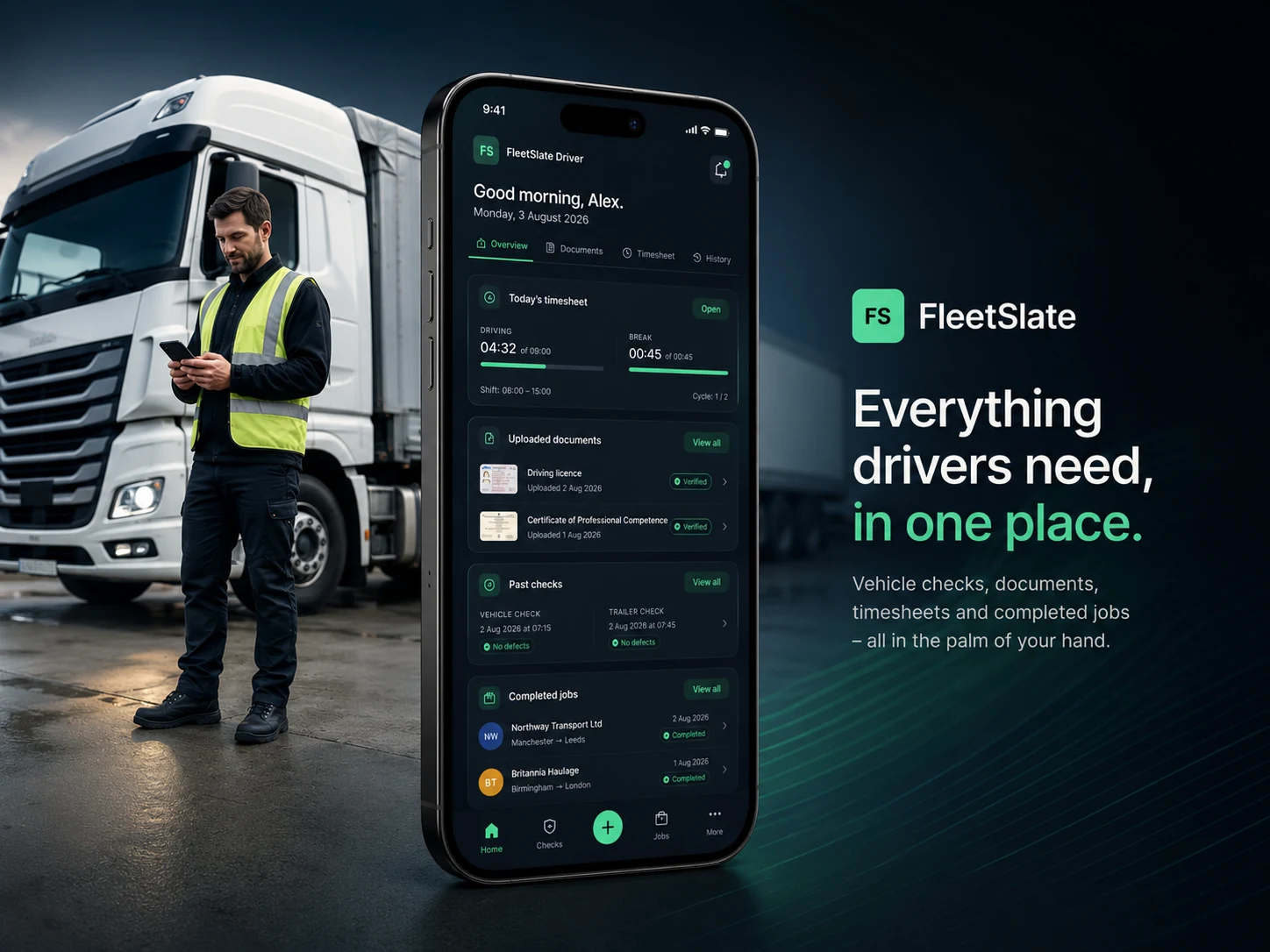
Drivers see their own schedule, current shift, allocated fleet and the next actions required.
Complete guided vehicle or trailer checks and add photographs, comments and a signature from the cab.
Send an issue to the office with a clear description and supporting photographs while it is still fresh.
Office and Driver together
Secure synchronisation keeps the daily plan and submitted evidence connected. Office staff remain informed while each driver works through a focused personal interface designed for touch.
Fast driver pairing
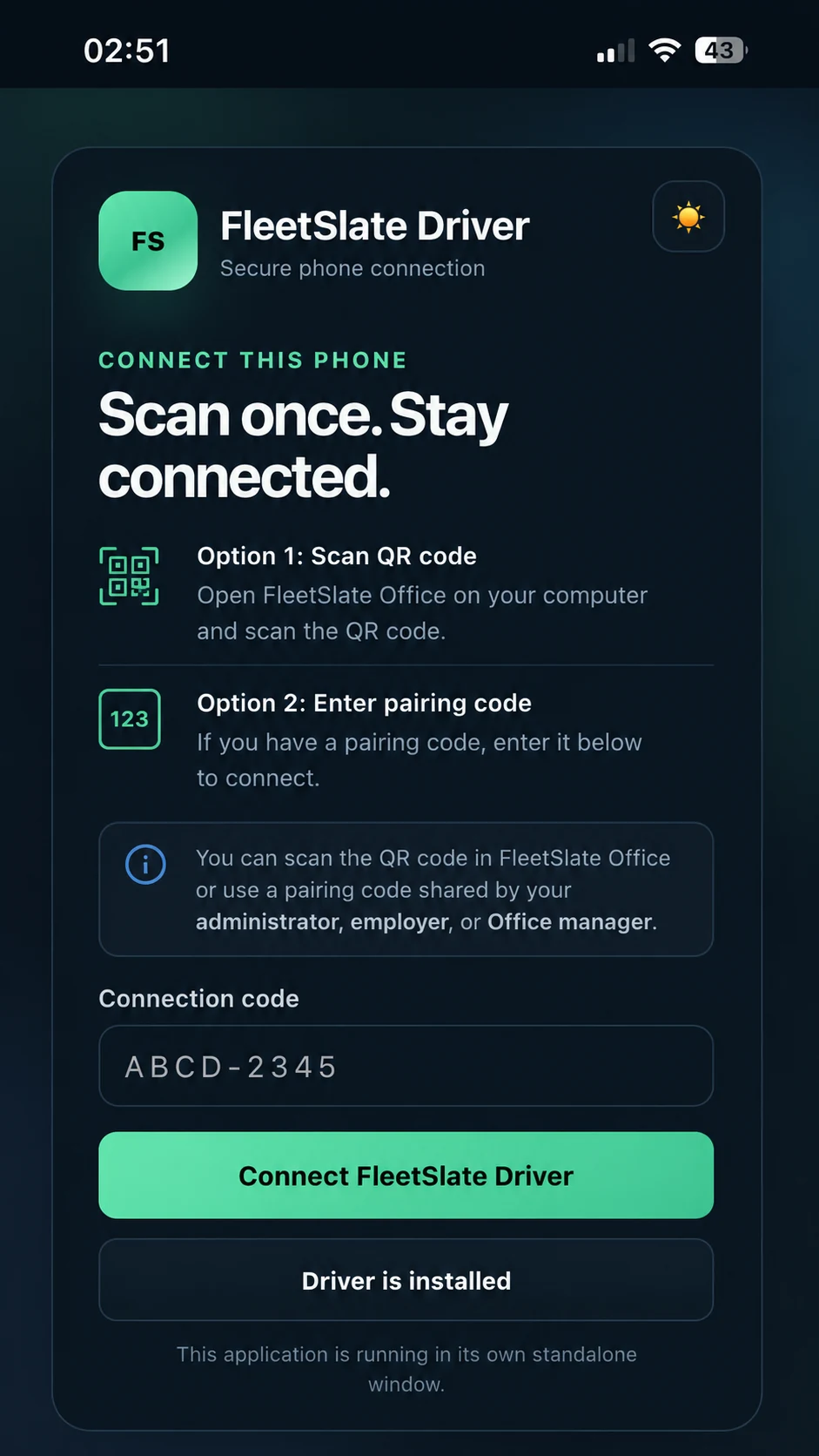
FleetSlate Driver now shows a clearer pairing screen. The QR code or short pairing code can be shared directly by the administrator, employer or Office manager, so the driver does not need any server details, email login or technical setup.
FleetSlate Driver interface previews
The screens below show FleetSlate Driver for Android phones, iPhone and iPad, including the current workday workspace, guided actions and mobile evidence capture.
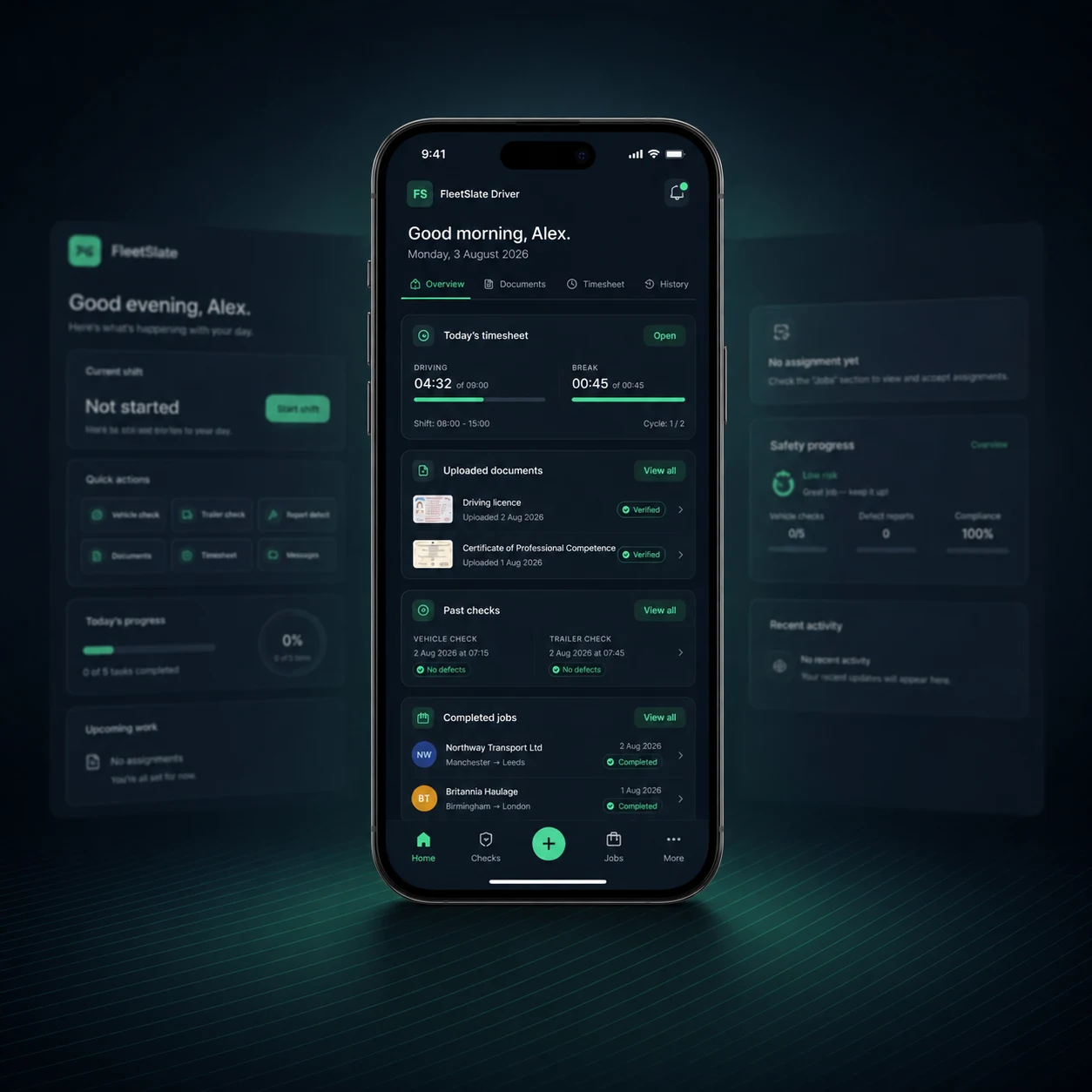
Start the shift and reach vehicle checks, trailer checks, reporting, timesheets, schedules and history from one place.
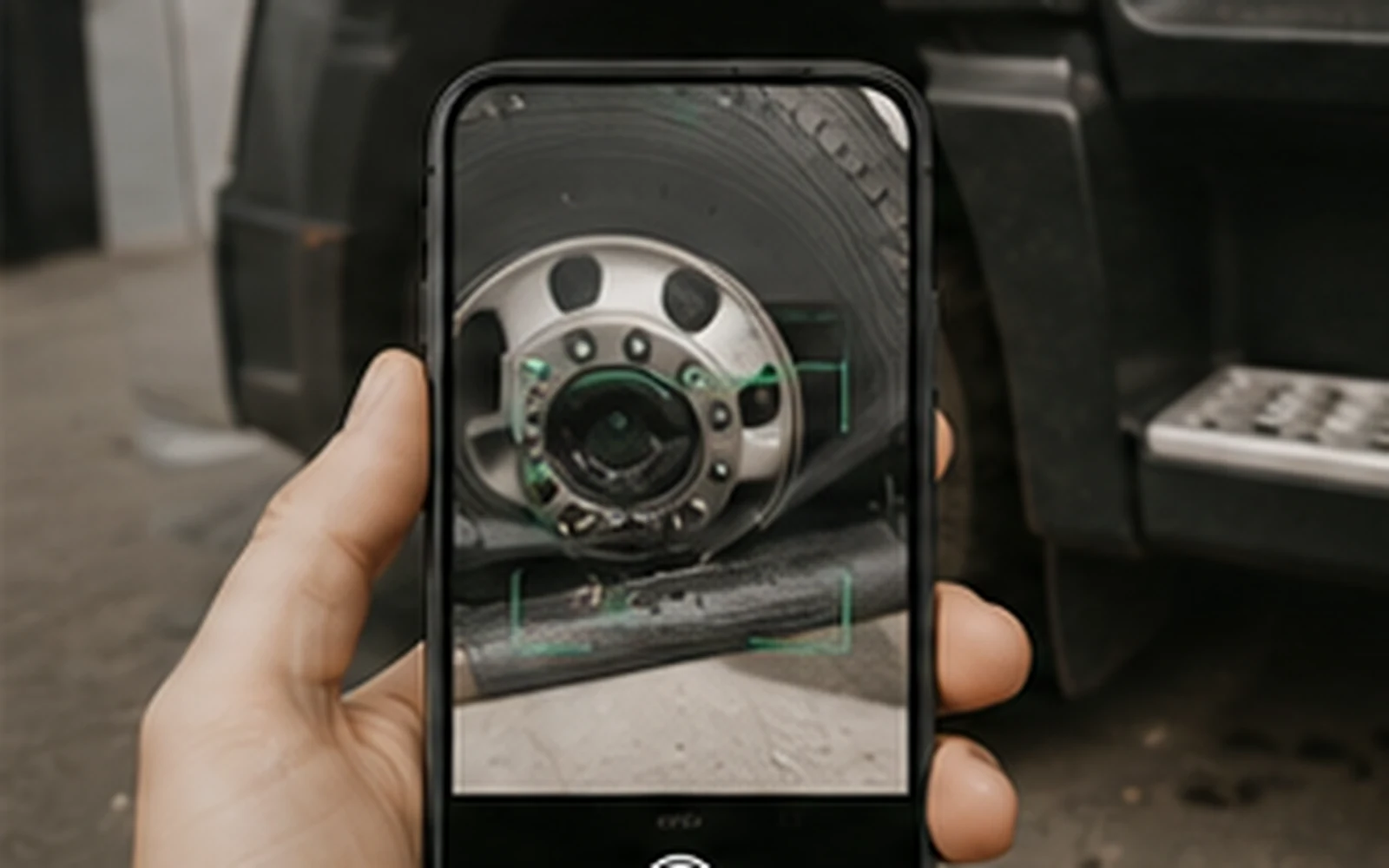
Photograph a defect at the vehicle, add the supporting note and send the evidence to FleetSlate Office in one workflow.
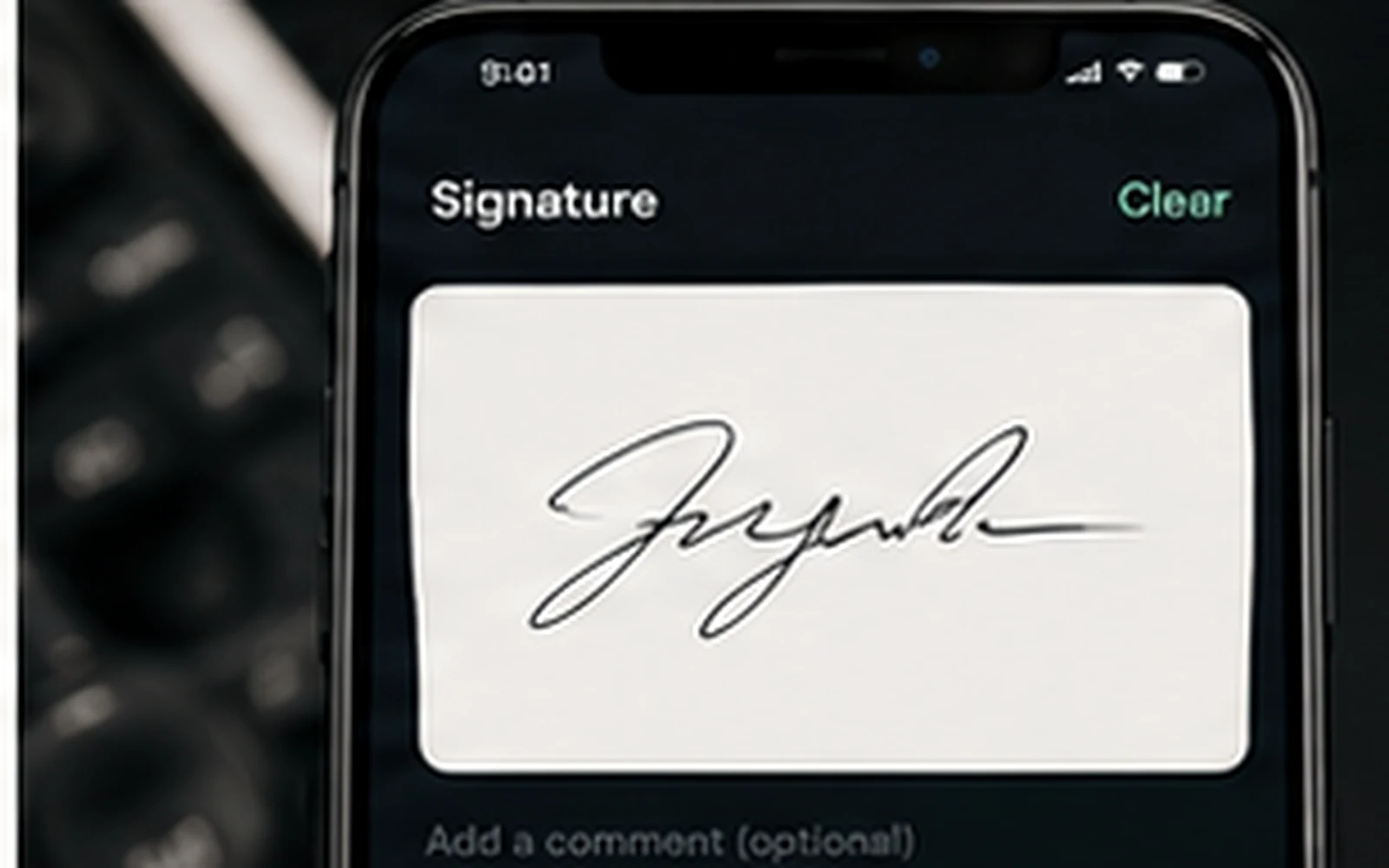
Collect the final signature and submit the completed check, report or timesheet directly from the phone.
Pair the device once with the QR or short code supplied by Office. Future launches open the Driver Home screen automatically.
Made for the road
Receive published assignments and see the allocated vehicle, trailer, time and current status.
Follow separate guided inspections and send results with clear supporting evidence.
Notify the office quickly with the affected asset, severity, description and photographs.
Record shift start and finish, breaks, night-out, expenses, comments and final signature.
Access permitted records and review earlier checks, timesheets and submitted work.
Saved work is sent securely to FleetSlate Office, including after a temporary loss of internet.
An administrator selects a driver and shows one QR code. The phone is paired automatically and can be revoked at any time.
Where the company enables live tracking, Driver always shows a clear location indicator. FleetSlate keeps Daily Journeys for 30 days; phone operating-system rules may pause browser-based updates after the app is closed.
Guided FleetSlate setup
FleetSlate Driver is included for unlimited drivers in both the full trial and Lifetime. The site now also includes a full installation guide for Android, iPhone and iPad.